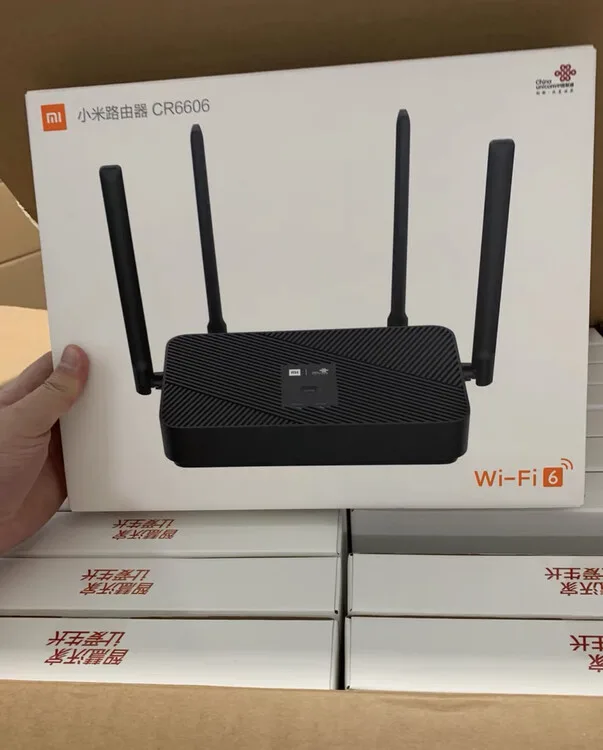
Xiaomi WR30U / Redmi CR6606 (China Unicom version) Front
TTL serial, U-Boot, and opening the device are advanced paths. First confirm whether standard Web or TFTP recovery still applies.
This page documents an advanced Xiaomi WR30U case where incompatible U-Boot damaged network recovery and TTL serial access was used to reach U-Boot. TTL may require opening the device, connecting 3.3V serial, transferring U-Boot, and writing flash partitions. Recovery depends on device version, bootloader state, firmware file, wiring, and commands. Router Recovery does not handle TTL, U-Boot, disassembly, or hardware-level recovery; it can only help prepare the macOS TFTP Server environment when standard TFTP recovery is still applicable.
Xiaomi WR30U / Redmi CR6606 (China Unicom version) Front
Before you start, confirm these parameters match the device, firmware file, and recovery flow.
| Compatible model | Xiaomi WR30U / Redmi CR6606 China Unicom version |
|---|---|
| Recovery method | TTL serial + U-Boot Web recovery or TFTP |
| U-Boot recovery IP | 192.168.31.1 |
| Computer static IP | 192.168.31.254 |
| U-Boot file | mt7981_wr30u-fip-fixed-parts-multi-layout.bin |
| Example TFTP firmware file | openwrt-squashfs-sysupgrade.bin |
| Common failure causes | Wrong TTL wiring, wrong serial settings, failed Kermit transfer, wrong computer IP or firewall settings |
If the router can still enter Web recovery, vendor recovery, or standard TFTP recovery, try those paths first. TTL serial is for cases where network recovery is unavailable, U-Boot needs repair, or you can confirm the ordinary recovery window no longer works.
Use this only when standard Web/TFTP recovery is unavailable. Confirm the risk before preparing hardware, serial access, and U-Boot files.
First confirm that standard recovery is unavailable. If TTL is really required, access U-Boot via serial, transfer hanwckf U-Boot, then use the new U-Boot Web recovery or TFTP to flash system firmware. This process does not guarantee recovery; success depends on device state, wiring, files, and commands.
| Item | Specification | Purpose |
|---|---|---|
| USB-to-TTL Module | CH340G/CP2102, 3.3V logic | Connect computer to router serial port |
| Jumper Wires | Female-to-female or male-to-female | Connect to TTL pins (insert stripped wire into through-hole) |
| Ethernet Cable | Standard cable | Connect computer to router LAN port |
| Plastic Pry Tool | Credit card or dedicated tool | Open case (screwless version) |
Before entering the TTL path, confirm that ordinary recovery mode, Web recovery, or standard TFTP recovery is unavailable. TTL is not the first step for ordinary users.
Some WR30U versions have no screws on the bottom — they use pure snap-fit design. Start from the top cover:
| Step | Action |
|---|---|
| Inspect | Check the bottom of the router — confirm no rubber feet or screw holes |
| Pry open top cover | Insert plastic pry tool/card into the seam along the top cover edge. Slide around slowly to release each snap (listen for clicks) |
| Tips if tight | Use a hair dryer on low heat to warm and soften the plastic edge. The network port side or vent holes side are easiest to start from |
| Remove cover | Once all snaps are released around the perimeter, lift off the top cover to reveal the mainboard |
Opening the device can damage clips, the shell, or the board, and may affect warranty. Continue only after standard recovery paths have been ruled out.
WR30U mainboard has 4 through-hole pads for TTL (no vertical pins installed). They're usually near the network ports or board edge.
| Pin | Description |
|---|---|
| 3.3V | Do NOT connect |
| TX | Connect to module RX |
| RX | Connect to module TX |
| GND | Must connect |
| WR30U Mainboard | USB-TTL Module | Note |
|---|---|---|
| GND | GND | Required |
| TX | RX | Cross connection |
| RX | TX | Cross connection |
| 3.3V | Do NOT connect | Prevents power conflict |
Wiring method: Strip the end of a jumper wire, insert into the through-hole pad, secure with hot glue or tape.
MT7981> prompt or Boot Menu appears (press 0 for command line)
If U-Boot network is damaged (ping fails, ARP Retry), standard TFTP may be unavailable, and serial file transfer may be needed to flash new U-Boot. Writing U-Boot is high risk; verify the file and partition addresses.
1. Start Kermit Receiver
2. Tera Term Send File
File → Transfer → Kermit → Send, select mt7981_wr30u-fip-fixed-parts-multi-layout.bin
3. Flash Directly (No Verification Needed)
If Kermit transfer is slow or fails, try lowering baud rate to 57600, or use Ymodem protocol:
After reboot, hanwckf U-Boot is active and network is restored. Flash system firmware via one of these methods:
| Step | Action |
|---|---|
| Set computer IP | IP: 192.168.31.254/24, Gateway: 192.168.31.1 |
| Enter Web Recovery | Press Reset to enter U-Boot, Web recovery starts automatically, open browser to http://192.168.31.1/ |
| Select Layout | Choose default or qwrt (depending on firmware type) |
| Upload Firmware | Select OpenWrt sysupgrade firmware, wait for auto-reboot after completion |
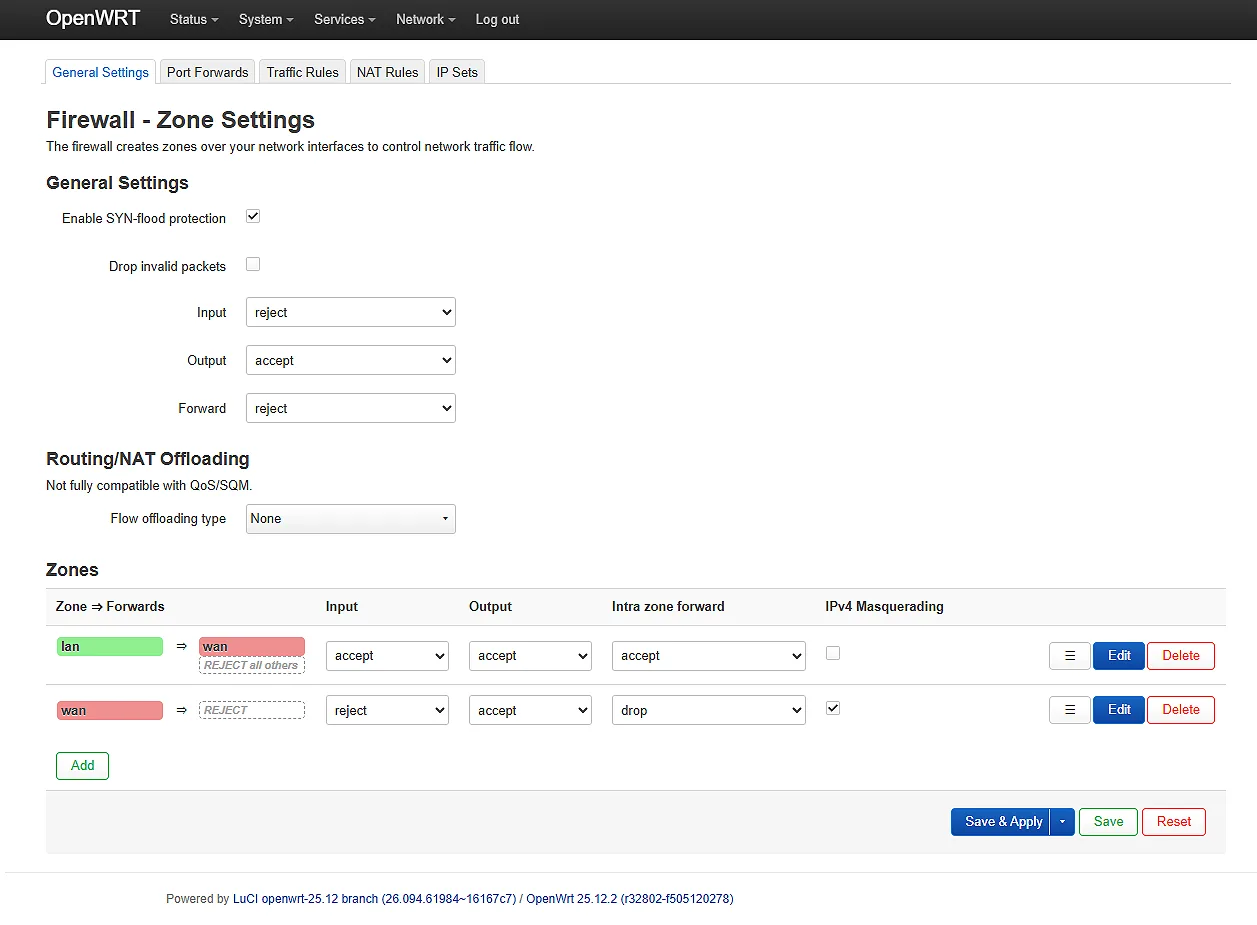
If you choose the U-Boot TFTP command-line method, Router Recovery can help prepare the Mac-side TFTP Server, firmware folder, and Ethernet environment. It does not replace TTL wiring, U-Boot commands, or hardware recovery judgment.
After reboot:
| Problem | Solution |
|---|---|
| Top cover won't pry open | Heat the edge with a hair dryer to soften plastic, or start from the network port side |
| Kermit transfer slow or failed | Lower baud rate to 57600, or try Ymodem/Xmodem protocol |
| Web flash says "Image not supported" | Try a different layout (default or qwrt) |
| UBI partition error | Execute nand erase 0x700000 0x6e00000 in U-Boot command line |
| Won't boot after flashing | TTL connection available — re-enter U-Boot and flash again |
| Network unreachable | Check cable, IP settings, firewall. Confirm LAN port is used (not WAN) |
Use these resources only after confirming that TTL / U-Boot handling is really required. Ordinary recovery should return to the standard TFTP/Web path first instead of jumping into forum experience and disassembly branches too early.
If standard recovery is still available, return to the router TFTP recovery path first. TTL is advanced reference material.
This tutorial is for learning and reference only. TTL, U-Boot writes, and firmware flashing are high-risk operations and may cause bricked devices, partition damage, or void warranty. Recovery depends on device version, bootloader state, firmware file, wiring, and commands. Before proceeding:
Last updated: April 2026