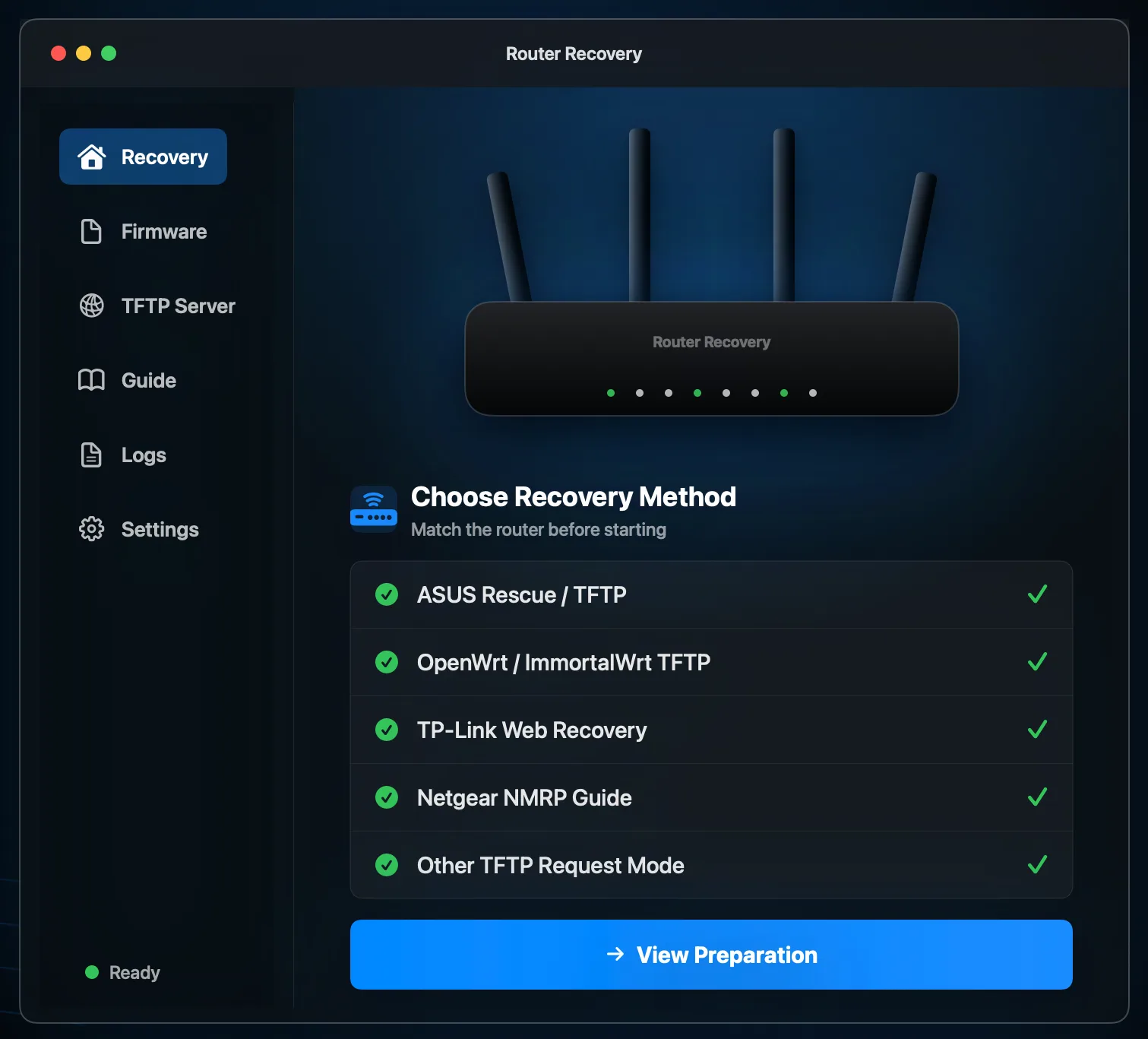
Prepare first, then wait
Select OpenWrt, ImmortalWrt, or vendor recovery firmware. The app prepares an accessible local copy without modifying your original file.
Router Recovery is built for macOS router recovery workflows. Select a firmware file, let the app wait for the real router request in recovery mode, then send the file from your Mac via TFTP.
Router Recovery is not a generic file-server screen. It is organized around the moment when a router in recovery mode asks your Mac for a firmware file.
Select OpenWrt, ImmortalWrt, or vendor recovery firmware. The app prepares an accessible local copy without modifying your original file.
The app moves forward only after detecting an actual TFTP read request from the router. The full recovery unlock appears after that signal.
From waiting for the router to transferring firmware, each status is phrased around the recovery workflow instead of raw TFTP jargon.
Buttons and expected IP addresses vary by router model, but the common pattern is simple: your Mac gets ready, and the router comes to request the firmware.
Choose a trusted recovery firmware file that matches your router model.
Configure your Mac for the network range expected by your router recovery guide.
The app listens for the TFTP request from the router.
When the router sends an RRQ, the app confirms the request and connection state.
Transfer the firmware and follow the completion guidance.
If your guide asks your computer to run a TFTP server and wait for the router to download a specific firmware filename, Router Recovery is designed for that workflow.
H3C NX30 Pro example guide
TP-Link TFTP recovery example
The app is free to download. Full recovery is unlocked with a one-time in-app purchase. Actual pricing is shown by the Mac App Store for your region.
View on App StoreDuring router recovery, the most important question is whether the router really entered the TFTP recovery flow. Router Recovery waits for that real request first, then shows the full recovery unlock.
The app is a local recovery helper, not a promise that every router can be restored.
No. The core flow is passive: the app waits for the router to send a TFTP read request in recovery mode, then responds with the selected firmware.
No. You need to download the correct firmware from your router vendor, OpenWrt, ImmortalWrt, or another trusted source.
No. Recovery depends on the device model, bootloader state, firmware compatibility, network settings, and timing.
Unlocked users can continue using the core local recovery flow. First-time purchase, purchase restore, and online tutorials require internet access.
Prepare firmware, wait for the request, confirm the status, and complete the transfer with fewer guesses.
Download Router Recovery